Step 1
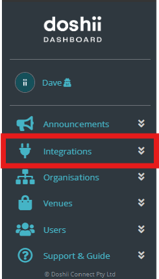
From within Doshii Dashboard, locate your app under the 'Integrations' tab.
Step 2
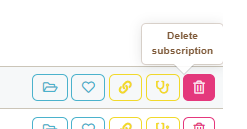
Under 'Venue Subscriptions', location the venue you wish to unsubscribe and click the 'Delete Subscription' button.
Step 3
Confirm the deletion by clicking 'Yes, delete it!'. 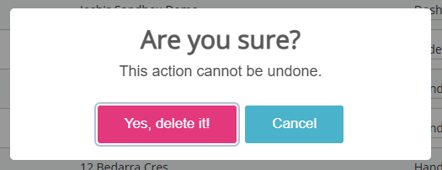
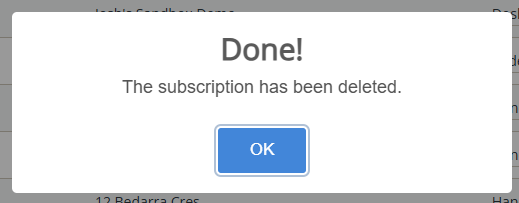
Step 4
The subscription has been successfully removed. You will no longer be able to access the venue's data or submit orders.